New features and changes in detail
04/28/2026 Samplitude 2026.0.2 Build 26013
OSC
[SEQD-953] OSC: sends track selection state, considering multi-selection
[SEQD-953] OSC Monitor optimized, resulting in faster operation with open OSC monitor
[SEQD-953] New menu command to open the OSC monitor via Menu View → OSC monitor
ARA
[SEQD-1043] Boris FX SoundApp added
[SEQD-752] Support for some new ARA Plug-ins
Vovious
VOIS
VoiceWunder
NoiseWorks VoiceAssist
For an extended overview of what’s new inSamplitude 2026 open the help documentwith the link in the startup dialog!
Celemony Tonalic
ARA plugin menu entries are now available in main menu Effects-> Edit with ARA Plug-ine.g. to assign keyboard shortcuts
Bugfixes
[SEQD-987] ARA: possible crash with some ARA plug-ins when removing plug-in
Bugfixes
[SEQD-1004] File Manager: disable peak calculation for some file types (e.g. MP4/AAC)
[SEQD-861] Number of visible AUXes/FX slots in the mixer were not correctly restoredwhen loading a workspace
[SEQD-944] File Import Dialog: File selection order was wrong after pressing Ctrl+A
[SEQD-965] Fixed issues when reordering object effects
[SEQD-1071] Object fit button drawing issues
04/10/2026 Samplitude 2026.0 Build 26012
Boris FX Licensing updates
[SEQD-572] Support licensing via bfxsuite license
[SEQD-562] Automatic check for new version at program start once a day
Can also be done manually via “Auto Update...” menu command
[SEQD-909] Splash screen / program icons
new icons for program, HDP and VIP files
display version info in splash screen
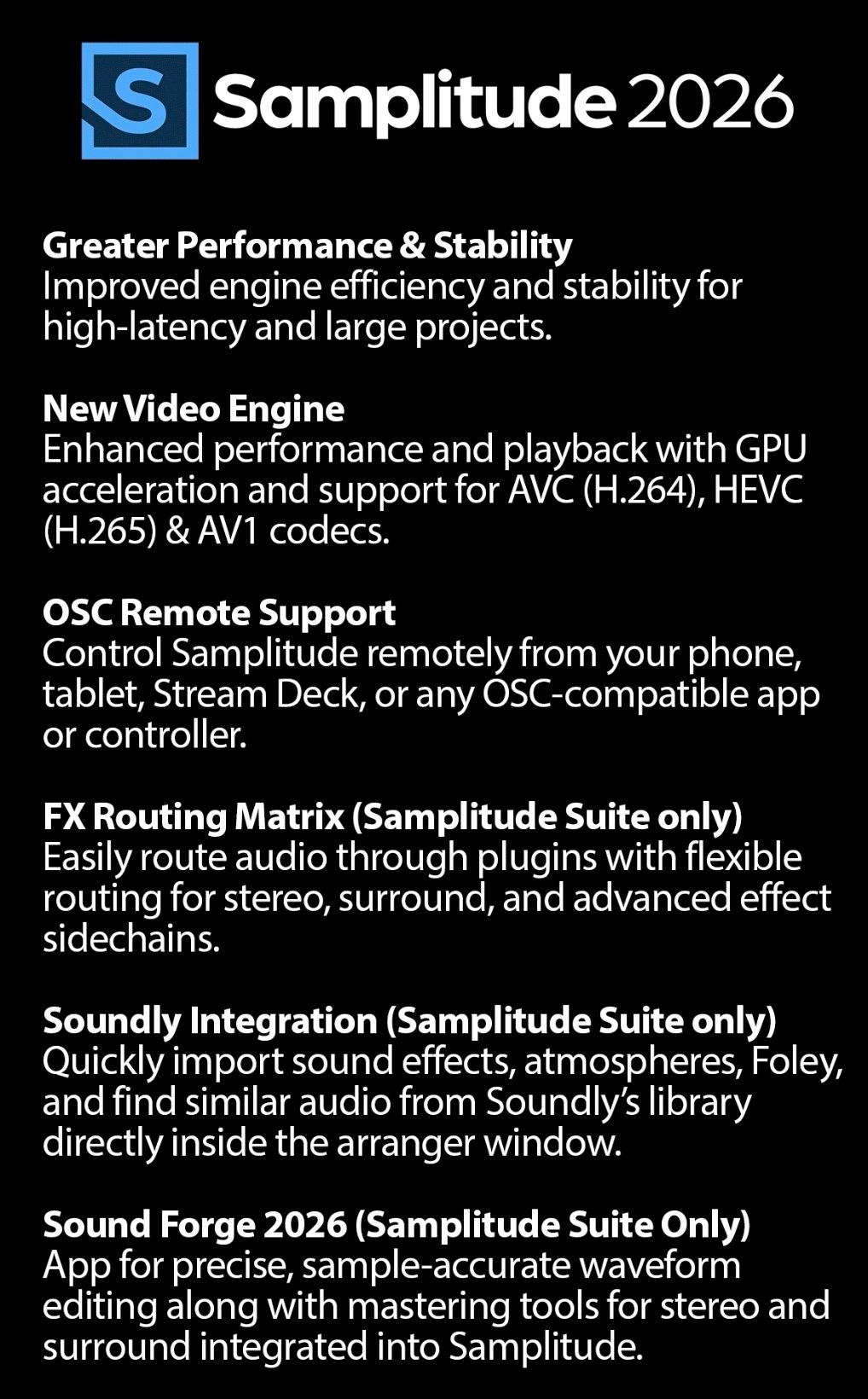
Reworked video engine
GPU used for loading and displaying selected video formats
this results in better performance and better support for higher resolutions
[
SEQD-432] Decoder implementation used is shown in video objects context menu
Video options changed
Obsolete video overlay option removed
Options added to disable GPU processing for video import and output
[SEQD-687] Adapted audio extraction for new readers
[SEQD-690] Optimized video cache handling
[SEQD-758] [SEQD-793] Option to deactivate video cache (new default setting)
[SEQD-721] Several optimizations and fixes
[SEQD-640] Extend framerate selection up to 60 fps
[SEQD-617]
OSC support
Remote control via OSC commands, see help for more details.
[SEQD-630]
FX I/O Matrix
(Samplitude Suite only)
Opened from the "Plug-in" menu of a VST Plugin dialog to route track audio channels intoplug-in input channels (including side chain channels) and plug-in output to track audiochannels.
Presets can be saved and also used as default routing for the current plug-in
[SEQ-8665] FX I/O matrix thru mode to allow using mono or stereo plug-ins on surroundbusses
"Thru" means track channels that are not routed to plugin inputs are passed over to thenext plug-in slot so you could e.g. assign the first plug-in to channels 1+2, the next oneto 3+4 etc.
“Ch." control lets you reduce a plug-in’s channel count, for example, turning a stereoplug-in into mono or a surround plug-in into stereo, so you can use it more easily inparallel FX chains.
[SEQD-222] includes latency compensation
Known Issues:
Channel count control doesn't work reliably with VST2 plug-ins.
Soundly
integration (Samplitude Suite only)
The Soundly database for all kinds of sound effects now integrates with Samplitude Suite.The Send to Samplitude button in Soundly imports a selected Soundly audio file into anopen Samplitude project.
From Samplitude, you can open the Soundly client via the file menu or a dedicated toolbarbutton (hidden by default).
It is also possible to search in Soundly for similar audio of a selected object with acommand from the file menu.
Nested VCAs
: VCAs can now be nested up to 4 levels, i.e. a VCA master can now becontrolled by another VCA master
Import / Export
[SEQD-398] Add option to the Export dialog for including / excluding object effects
Excluding object effects also excludes object volume and fades
[SEQD-521] New system option to force float resolution for offline resampling
[SEQD-558] Quality settings button for quick access to system options added to dialogfor adapting sample rate while importing
[SEQD-577] Some MP3s (e.g. with very low or variable bitrate) were read by a different,non-sample-accurate MP3 decoder which could cause playback problems.
That decoder isn’t longer used for new projects and such MP3s are now converted towave files on import.
[SEQD-165] Marker list export adaptions
CSV Marker export uses the order of visible columns in the marker manager
The selection of exported data are still set in the marker list export options, if thisincludes columns not shown in the marker manager, these are added at the end, in theorder shown in the export options
CD Handling
[SEQD-606] Request to overwrite existing album info after using command “track indiceson object edges”
Bugfixes
[SEQD-689] Fix multi track export for file names with . (dot)
[SEQD-791] AAF import: audio content was shifted under certain conditions
[SEQD-846] AAF export: issues with converting stereo objects
[SEQD-745] gnudb track marker search didn’t work
Arranger / Mixer
[SEQD-484] To prevent accidental fader value changes, a new option in Programpreferences > Keyboard, Menu & Mouse > Mouse to restrict dragging faders on the fadercap only.
[SEQD-208] Improved double click behavior of the vertical scrollbars in the arranger
A context menu entry was added to make the display of the clickable free area below thelast track to add tracks optional
Plug-ins / ARA
[SEQD-123] Update VST3 SDK to version 3.8.0 for improved compatibility
[SEQD-608] Plug-in routing dialog now shows the chain of the selected track or object bydefault
there’s a new link button to disable this temporarily
[SEQD-619] ARA support for Melda MTrackAlign plug-in
[SEQD-676] ARA support for IK Multimedia ReSing plug-in
[SEQD-622] Restructured plug-in buffer settings in program preferences dialog
Bugfixes
[SEQD-716] Plugins stored in disabled state could not be restored after reloading project
[SEQD-610] Some properties of ARA plug-ins were not restored correctly with reloadinga project
[SEQD-500] ARA SynthesizerV plug-in support fixed
Special plug-in preview handling implemented
[SEQD-739] Update Auto-Align 2 after removing from track
[SEQD-799] Possibly silent master after reopening an ARA project
[SEQD-763] [SEQD-903] “Remove ARA plug-in completely“ now works correctly formultiple selected tracks and in object editor
[SEQD-955] Missing ARA GUI update after moving a split object
[SEQD-564] Performance issues with some VST3 plug-ins (e.g. SSL Guitarstrip)
Performance improvements
/ bug fixes
[SEQD-498] CPU load was higher in stopped state than while playback (depending onused plug-ins and routing)
[SEQD-569] The VST3 feature to skip silence processing was enabled - may improveperformance with plug-ins supporting it
[SEQD-630] Economy / object engine can now use more than 16 processor cores
Previous restriction was a workaround for stability issues, which are resolved now
[SEQD-623] Improved method of assigning threads to different cores
Manager
[SEQD-400] Context menu command “Open in Windows explorer” for Object Manager, andTrack Manager
[SEQD-396] New column for peak value display in file manager
[SEQD-214] Auto mute when reaching critical levels (Overload protection)
New options in Program preferences > System > Audio Setup to disable it for master andtrack output and to set the levels when auto mute gets triggered
Automation
[SEQD-585] Transfering AUX Send curves to other tracks activates the corresponding AUXSends
either by moving objects with active “Link curves to objects” or copy&paste
[SEQD-579] New command to show all automation lanes for the active track
[SEQD-653] New menu commands for automation panel functions
Set automation mode for all tracks
Set automation filters
Bugfixes
[
SEQD-59] Some updates and fixes for surround / stereo pan automation
[SEQD-185] Surround pan automation was affected by FX instead PAN filter
[SEQD-781] Jump to current value for automation editing did not work properly
[SEQD-962] Possible crashes with “Link curves to objects” for (surround) submix busses
[SEQD-929] Some new MIDI object templates
[SEQD-914] SoundPool manager
Installed MAGIX Soundpools now will be automatically detected and used
[SEQD-856] [SEQD-882] Installer improvements
New command line parameters
/NO_AUTO_LANGUAGE=1 - disable automatic language selection, start program in EN
/NO_UA=1 - disable sending of usage analysis data by default
/NO_VC_REDIST=1 - skip installation of VC runtime redistributables
/NO_FLEX_ASIO=1 - skip installation of FlexASIO
/NO_DESKTOP_ICON=1 skip creating icon on desktop
Number of last installed version is written to registry e.g. toHKLM\SOFTWARE\BorisFX\Samplitude\2026\Version
Other Bugfixes
[SEQD-498] Possible crashes when closing program
[SEQD-560] After re-assigning F1 to another command help was still opened
[SEQD-716] Some issues with VSTi slots
"Reset bypass when effect/plug-in is opened" off-state was ignored
Update bypass state from effect was not working correctly
[SEQD-357] Crashes with internal Declicker effect
Recording
[SEQD-734] Issues with timer based recording
[SEQD-668] Disable activation of "Continuous playback while editing" while record
[SEQD-749] Object length issues after trimming objects while recording
ADM / Dolby Atmos
[SEQD-554] Crash when loading mixer snapshots with ADM renderer
[SEQD-596] Issues with track solo and mute handling in Dolby Atmos projects (Economyengine or PFL solo)
[SEQD-593] Missing ADM editor update after restoring a backup
MIDI
[SEQD-704] Issues with MIDI command “Remove double notes (monophonic overlaps)”
[SEQD-765] Crash when dragging a note in drum editor with shift using an edited drummap
Crossfade editor
[SEQD-630] Flickering of some tooltips in crossfade editor
[SEQD-767] Hide obsolete Crossfade editor commands in main menu editor
[SEQD-859] Range and marker track disappeared after closing crossfade editor with theclose button
[SEQD-853] Fix order of outputs when selecting output in surround setup with pressedshift key
[SEQD-870] Stereo panning dialog: saving presets didn’t work anymore
[SEQD-776] Range selection over collapsed folder track didn’t work correctly
[SEQD-782] Corrupted track editor layout after quick resizing operations
[SEQD-838] Wrong effect order after pasting plugin chain to objects
[SEQD-775] Double click on object might open other docking tab than object editor(depending on mouse position)
[SEQD-945] "Next revolver track" command didn’t work correctly
[SEQD-603] Flickering record peakmeters in arranger with HDPI
[SEQD-946] Some takes could not be changed in take lanes, just via take menu