New in Version 2026.5
Spatial Panner
The new
Spatial Panner provides intuitive, fast, and visually clear control of spatial positions, from stereo and 3D setups to immersive formats such as ADM/Atmos mixes. It provides a unified panning workflow for all bus and track formats, as well as direct multichannel control with visual feedback. All sources can be displayed in a single view, allowing you to see their positions in relation to one another. When a source is routed to multiple surround and stereo buses, its position is linked and can be edited jointly or, where required, separately.
The Spatial Panner can remain open and responds dynamically to all changes made in the mixer, routing, or project setup.
The speaker configurations for the various surround sound formats have been optimized, resulting in new surround sound presets. Projects with surround sound from older program versions can be loaded while retaining the old configuration for compatibility purposes, but must be converted for further editing. ADM/Atmos projects must be converted in order to open them with the new version. For more details, see
here.
Like with the old surround panner you can draw in a trajectory for a given time selection. There is a new timed mode that also takes the drawing speed into account. Optionally the Draw mode can be set to automatically be disabled after each drawing (one-shot mode).
Improved ARA Plug-in Support
ARA2 plug-in compatibility and stability have been significantly improved. New plug-ins no longer need to be individually integrated and approved by the Samplitude developers. They are now detected automatically and can be used immediately. Users who created an ARA.ini file as a workaround for specific plug-ins should remove it.
BandRack Plug-in
This feature is only available in the Samplitude Suite version.
BandRack is a multiband plug-in host. The input signal is split at freely adjustable crossover frequencies into up to six frequency bands. The crossovers can work in either zero-latency or linear-phase mode, and their slope is adjustable from 6 to 48 dB/oct. Each band can process its signal in an independent effect chain of third-party VST3 plug-ins or with internal effects based on the Airwindows collection, specially selected for mastering tasks (compression, saturation, tape simulation, distortion and treble shaping). The bands are then summed back phase-coherently. A delta view shows as a difference curve how the processing changes the frequency response.
For automation, BandRack provides 16 macro parameters. A single macro can control several plug-in parameters across the bands at once, each with its own value range. BandRack automatically compensates the latencies of the individual chains and reports the total latency to the DAW. It also offers full undo/redo, A/B comparison, and factory and user presets.
More Improvements
- New command: Move the playback marker to the beginning or end of the selected object.
- New effects setting: Default panning law for mono and stereo tracks.
- Surround masters and surround folders can now be created without simultaneously creating a surround bus.
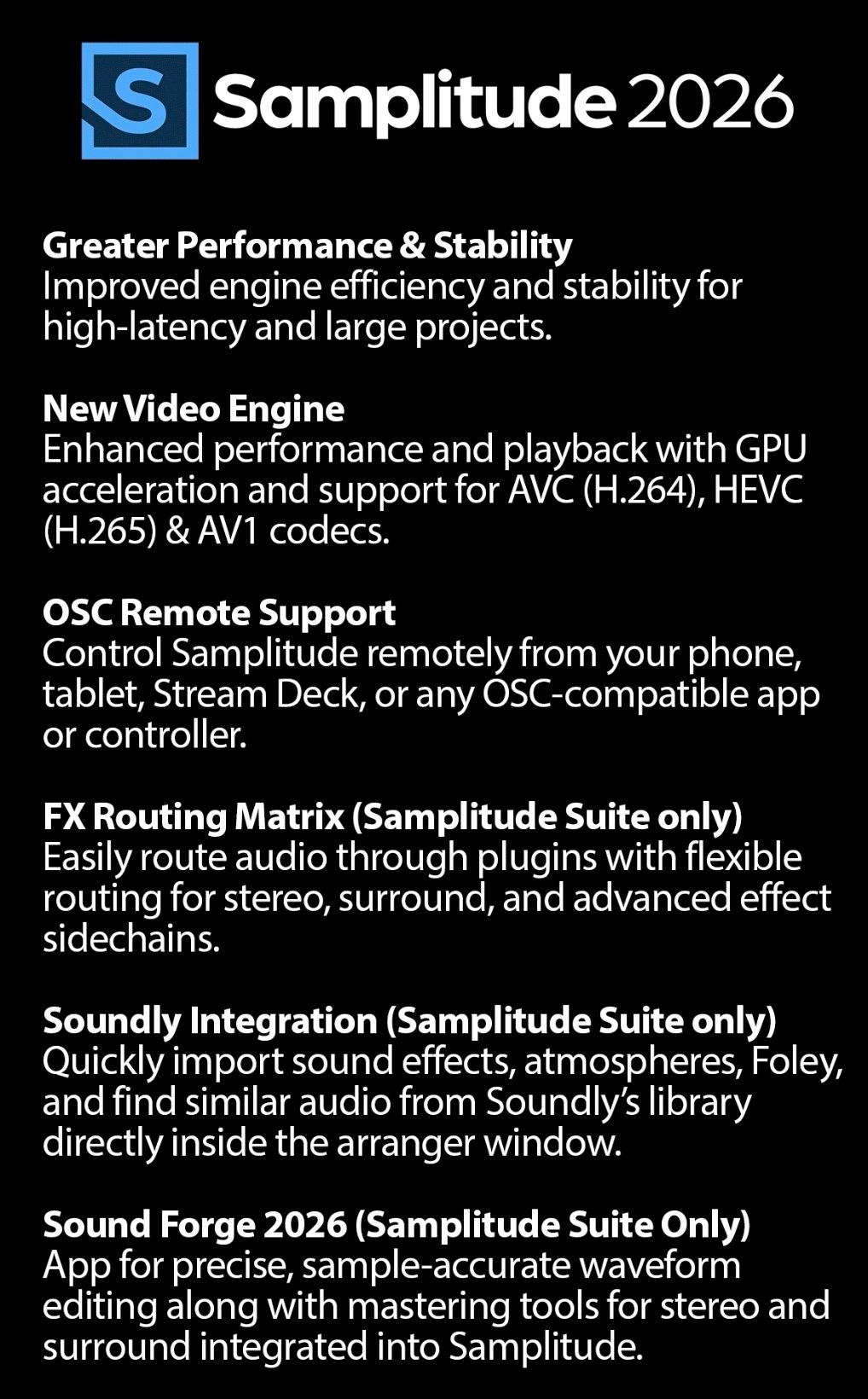
- OSC: Improved data transfer efficiency and new mappings for the Crossfade Editor and Monitoring section.
- Stream Deck Plug-in: There is a new custom plug-in for the Elgato Stream Deck that allows you to remotely control Samplitude via OSC.
- The Crossfade Editor can remain open when switching between projects.
- Video: A new Enable video cache option has been added. Since the cache is now required only for compatibility purposes, for example when no GPU is available, it is disabled by default. Detailed video stream information can also now be displayed as an overlay in the video window.
- Numerous bug fixes. For a complete list, refer to the ChangeLog_EN.pdf file.